
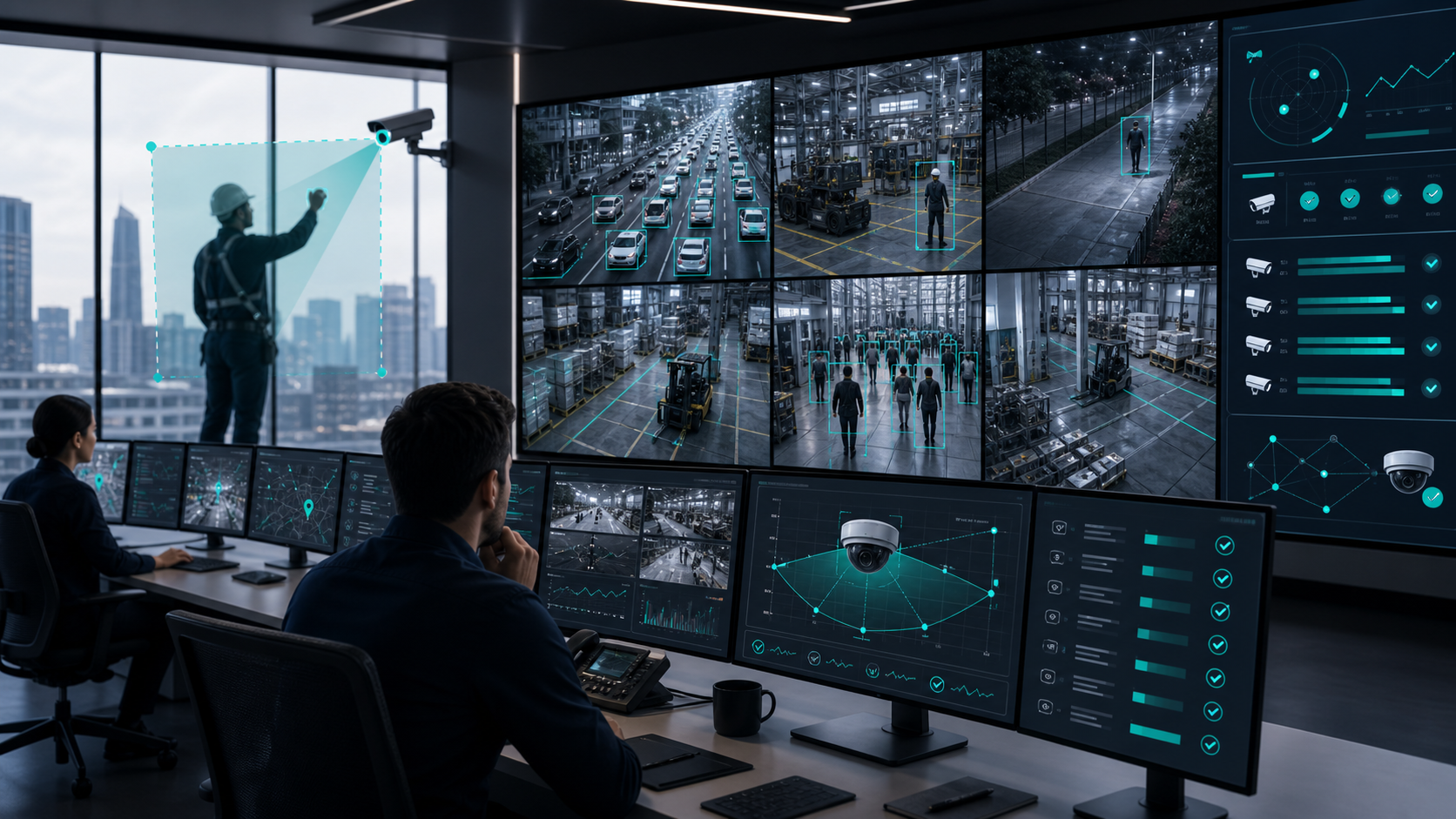
Why IP Camera Video Analytics Adoption Is Slow: Challenges and Solutions
IP camera video analytics can turn existing camera networks into operational intelligence systems. Yet many projects move slowly or stall after a promising pilot. The reason is rarely the analytics model alone. Adoption slows when cameras were installed only for security viewing, when use cases and KPIs are undefined, when field of view planning is missed, and when maintenance, stream quality, and expectations are not managed as part of the operating model.
For smart cities, highways, factories, campuses, retail facilities, and enterprise security teams, the lesson is clear: video analytics is not just software added after camera installation. It is a system design exercise that connects the camera, scene, network, analytics rule, operational workflow, and maintenance SOP.
The Real Gap: Cameras Are Often Installed for Viewing, Not Analytics
Most IP camera projects begin as surveillance projects. The installer optimizes for guard-room visibility, recording coverage, and basic security monitoring. That is useful, but it is not the same as analytics readiness.
An operator may later ask whether the same camera can count vehicles, detect PPE violations, monitor crowding, identify intrusion, read number plates, detect wrong parking, or track occupancy. Only then does the vendor search begin. At that stage, teams often discover that the existing camera view is not suitable for the intended analytic.
For example, a camera that gives a wide security overview may not have enough object size for number plate recognition. A camera mounted at a steep angle may not support reliable people counting. A camera pointed at a gate may miss the vehicle lane needed for classification. A camera placed for general visibility may not have the clean line of sight needed for tripwire, intrusion, or wrong-parking rules.
This mismatch creates the first adoption barrier. The organization expected to add analytics to an already commissioned camera network, but the network was never planned around analytics outcomes.
Use Cases and KPIs Need to Come Before Camera Placement
Video analytics adoption improves when the project starts with operational questions, not with camera counts.
Teams should define what they want to measure or detect:
- Which events matter: intrusion, loitering, crowding, fire and smoke, PPE non-compliance, vehicle count, wrong parking, speed violation, red-light violation, ANPR, occupancy, or camera tampering?
- Which KPI will be used: event count, response time, violation evidence, queue length, dwell time, occupancy threshold, downtime, compliance percentage, or traffic volume?
- What action follows an alert: dispatch a guard, notify a supervisor, create evidence, update a dashboard, trigger an access-control workflow, or generate a planning report?
- What accuracy and review workflow is acceptable for the risk level?
- Which cameras are mission-critical and which are only useful for context?
Without these answers, teams may buy analytics licenses without knowing whether the camera view, lighting, object size, network, and workflow can support the target result.
The stronger approach is to map each use case to a field requirement. A traffic audit camera needs a different view from an ANPR camera. A perimeter intrusion camera needs a different view from an occupancy camera. A safety gear detection camera in a factory may need consistent worker visibility at the correct distance and angle. The field of view should be planned from the KPI backward.
Field of View Is a Deployment Requirement, Not a Minor Detail
Field of view is one of the most common reasons analytics pilots fail after installation. If the object is too small, too angled, partially blocked, overexposed, underexposed, or visible for too little time, the analytics system will struggle.
This affects different analytics in different ways:
- ANPR needs sufficient plate size, suitable angle, controlled motion blur, and lighting support, especially at night.
- Vehicle count and classification need lane visibility and enough frame area to separate vehicle classes.
- Intrusion, tripwire, and perimeter breach analytics need clear zone boundaries and stable scene geometry.
- Footfall and occupancy analytics need camera placement that supports reliable entry, exit, or zone measurement.
- PPE and worker safety analytics need enough person visibility to identify helmets, vests, masks, gloves, or fall events.
- Scene change and camera tampering analytics need a stable baseline for the expected view.
When cameras are shifted during maintenance, cleaned and re-aimed differently, blocked by new signage, affected by vegetation, or obstructed by temporary objects, the analytic can degrade even if the camera is technically online. This is why analytics readiness must be included in maintenance procedures, not treated as a one-time commissioning activity.
Maintenance SOPs Are Often Missing
Once analytics is live, the camera feed becomes part of the operational control system. A low-quality feed can create missed detections, noisy alerts, or unreliable reports.
A practical maintenance SOP should include:
- Camera uptime monitoring through ping, stream health, and video-loss checks.
- Regular review of camera downtime and recurring network interruptions.
- Scheduled lens cleaning and inspection for dust, water spots, vibration, glare, and housing damage.
- Field of view verification after any maintenance visit, civil work, electrical work, signage change, or camera replacement.
- Obstruction checks for trees, banners, parked vehicles, equipment, construction material, or other objects entering the view.
- Night-time and low-light checks where analytics depends on illumination.
- Validation of analytics regions, trip lines, zones, and thresholds after camera movement.
- A documented escalation path when a critical analytic camera is degraded.
The SOP should not only ask, "Is the camera online?" It should ask, "Is the camera still producing the feed quality and field of view required for this analytic?"
This is where Pixuate capabilities such as camera health monitoring, scene change detection, and camera tampering alerts are useful in a broader operating model. They help teams notice video loss, blocked views, moved cameras, or unexpected scene changes before the business KPI is affected.
Network Provisioning Can Limit Analytics Quality
Video analytics depends on the quality of the incoming stream. If the network is not provisioned properly, teams may reduce resolution, bitrate, or frame rate to keep the system stable. That may be acceptable for basic viewing, but it can be inadequate for analytics.
A low-resolution stream can reduce object detail. Heavy compression can blur number plates, faces, safety gear, smoke, or small objects. Low frame rate can miss fast-moving vehicles or short-duration events. Jitter, packet loss, and stream drops can affect event continuity.
Before deployment, teams should check:
- Required resolution and frame rate for each analytic.
- Camera bitrate under day, night, and high-motion conditions.
- Available bandwidth from edge locations to the analytics server or cloud.
- Whether analytics runs on the main stream, substream, edge device, or VMS relay.
- Storage and retention requirements for evidence snapshots and clips.
- Redundancy for critical locations.
- Latency requirements for real-time alerts.
Bandwidth planning should be done per use case. A perimeter camera used for intrusion alerts may have different needs from a traffic camera used for ANPR and violation evidence. If the network is discovered to be insufficient only after analytics procurement, adoption slows because the project suddenly needs infrastructure upgrades.
Expectations Must Stay Within Camera and Human-Vision Limits
Another barrier is expectation mismatch. Some teams expect analytics to do what a human could not do from the same video. In practice, analytics cannot reliably recover information that is not visible in the frame.
If a number plate is too small, blurred, overexposed, or hidden, the system cannot read it consistently. If a helmet is not visible because the person is far away or partially occluded, PPE analytics will be limited. If smoke is not visually present in the camera view, fire and smoke analytics cannot infer it from nothing. If an object is blocked by another object, the system may not classify it correctly.
Good analytics projects set realistic boundaries:
- The camera must see the target clearly enough.
- The scene must support the rule being configured.
- Lighting and weather conditions must be considered.
- Review workflows should exist for alerts that require human confirmation.
- Analytics should be evaluated against operational goals, not against unrealistic assumptions.
This expectation setting is especially important for government and enterprise teams because it affects procurement, acceptance testing, SLA design, and user confidence.
A Better Adoption Model
Organizations can accelerate adoption by treating video analytics as an end-to-end deployment program.
The recommended sequence is:
- Define the operational use case and KPI.
- Identify the camera locations that can realistically support the use case.
- Check field of view, object size, angle, lighting, and obstruction risk.
- Confirm network bandwidth, stream profile, edge or cloud architecture, and retention needs.
- Configure analytics rules, zones, lines, thresholds, and escalation workflows.
- Run a pilot with representative day, night, peak, and low-activity conditions.
- Document acceptance criteria and review sample events.
- Create maintenance SOPs for camera health, field of view, stream quality, and obstruction checks.
- Train operations, security, IT, and maintenance teams on their responsibilities.
- Scale only after the camera, network, workflow, and SOP are proven.
This approach reduces rework because it makes the hidden dependencies visible before procurement and commissioning.
Where Pixuate Fits
Pixuate's AI video analytics portfolio is designed for operational use cases across traffic, perimeter security, industrial safety, remote asset monitoring, retail, parking, and smart city environments. Products such as Nucleus, ANPR, vehicle count and classification, intrusion detection, worker safety, occupancy count, over-crowding alerts, fire and smoke detection, camera health monitoring, and scene change or camera tampering analytics are most effective when deployed with the right camera view, stream quality, and maintenance model.
That means Pixuate engagements should begin with use-case clarity and site readiness, not only with software selection. A good deployment discussion covers the KPI, target object, camera angle, illumination, bandwidth, alert workflow, evidence requirement, and maintenance SOP. This helps teams decide whether existing cameras are usable, need adjustment, or should be supplemented with additional cameras or edge infrastructure.
Conclusion
IP camera video analytics adoption is slow when organizations treat analytics as an afterthought to surveillance installation. The technology depends on more than model capability. It depends on whether the camera sees the right thing, at the right quality, with the right network, under the right maintenance discipline, and with realistic expectations.
The path forward is to plan analytics from the operational outcome backward. Define the use case, map it to camera and stream requirements, validate the field of view, provision the network, build maintenance SOPs, and then scale. Teams that follow this model can move from stalled pilots to dependable analytics programs.
To assess whether your IP camera network is analytics-ready, contact Pixuate or request a demo with your target use cases and camera layout.
About the author
prathvi
Pixuate — AI-powered video analytics for smarter, safer operations.
Related Articles


Comments (0)
Please login to leave a comment.