
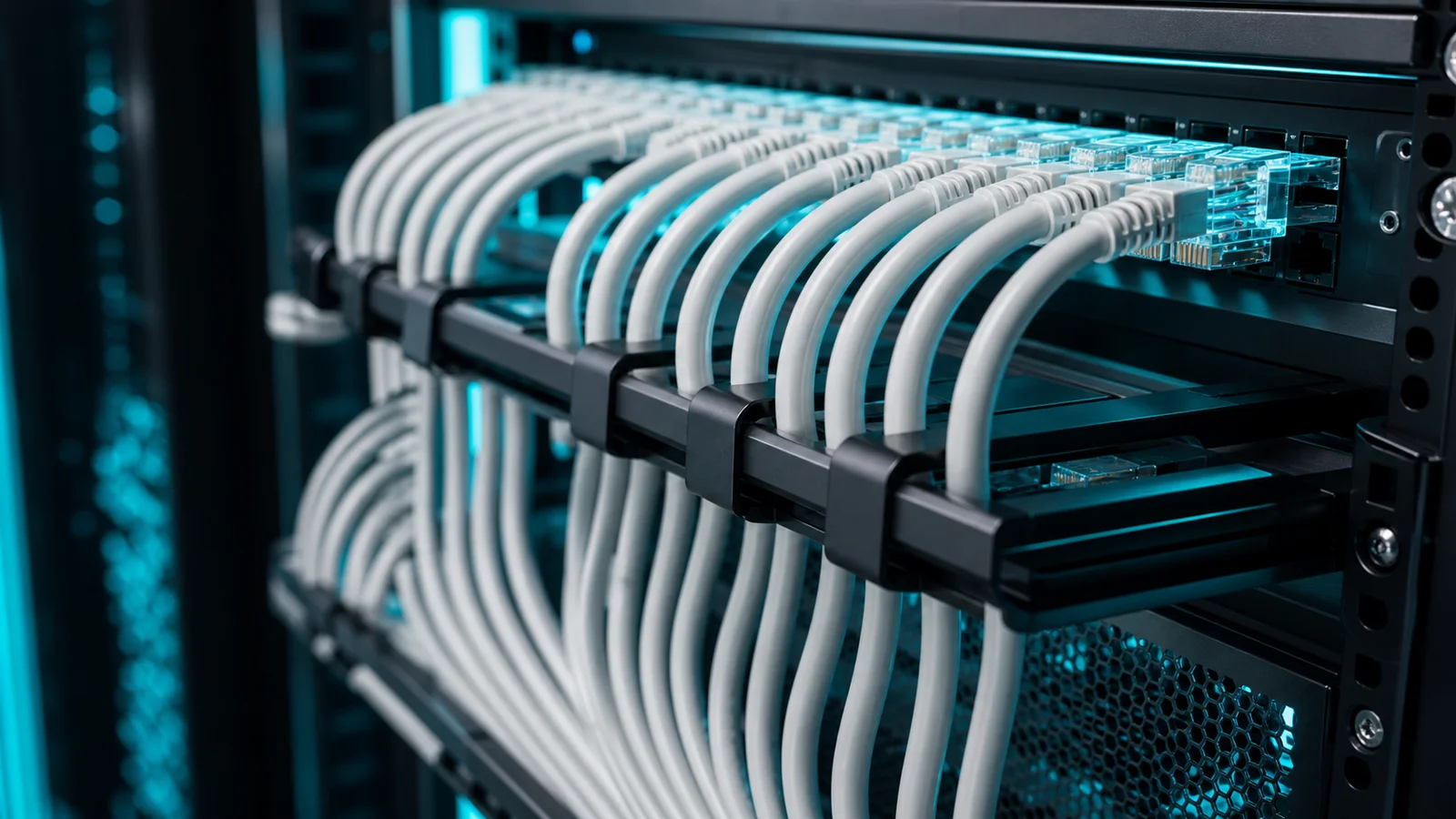
CAT6 Cable
The standard cabling for IP camera installations — carrying both data and power over a single cable
What is CAT6 Cable?
CAT6 (Category 6) is a standardised twisted-pair ethernet cable designed for high-speed data transmission. It consists of four pairs of copper wire twisted together inside a jacket, with a plastic separator (spline) between pairs to reduce interference. CAT6 supports data rates of up to 10 Gbps at distances up to 55 metres, and 1 Gbps at up to 100 metres — the standard maximum run length for IP camera cabling.
CAT6 replaced CAT5e as the recommended standard for new installations due to its higher bandwidth, better crosstalk suppression, and forward compatibility with 10-Gigabit infrastructure.
Why CAT6 Is the Standard for IP Camera Installations
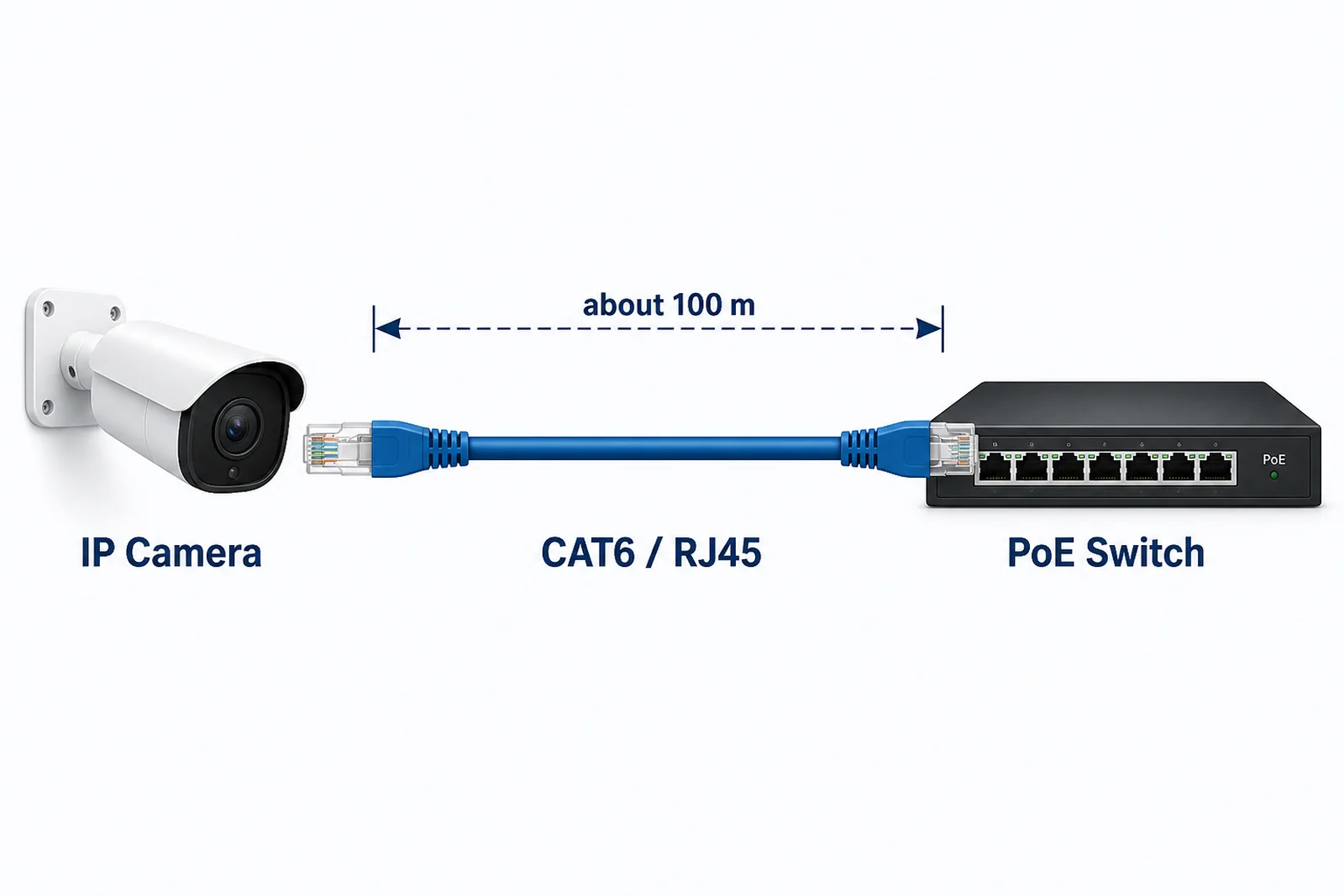
IP cameras require two things from their cabling: data transmission (video stream to the switch) and power delivery (PoE from the switch). CAT6 handles both on a single cable run, which is the primary reason it is the default choice for surveillance installations.
- PoE support: CAT6 reliably carries PoE and PoE+ power (up to 30 W) with low resistive loss over the full 100 m run.
- Sufficient bandwidth: A 4K (8 MP) H.265 camera stream typically uses 4–8 Mbps. CAT6 at 1 Gbps has more than enough headroom for any camera.
- Headroom for future upgrades: If cameras are upgraded to higher resolution in the future, the cable plant does not need to be replaced.
CAT6 vs CAT5e vs CAT6A
| Standard | Max Speed | Max Distance | PoE Support | Notes |
|---|---|---|---|---|
| CAT5e | 1 Gbps | 100 m | PoE / PoE+ | Older standard, less headroom |
| CAT6 | 10 Gbps (55 m), 1 Gbps (100 m) | 100 m | PoE / PoE+ | Recommended for new installations |
| CAT6A | 10 Gbps | 100 m | PoE++ | Thicker cable, better for dense bundles, higher cost |
For most IP camera deployments, CAT6 is the right balance of performance, cost, and ease of installation. CAT6A is warranted only when 10 Gbps over 100 m is required or for high-power PoE++ devices.
Installation Considerations
- Maximum run length: 100 m (including patch cables at both ends). Runs longer than 100 m require a PoE extender, media converter, or intermediate switch.
- Conduit: Route cables through conduit in outdoor or exposed areas to protect against UV, moisture, and physical damage.
- Bend radius: Do not bend CAT6 sharply — maintain a minimum bend radius of 4× the cable diameter to avoid damaging the twisted pairs.
- Separation from power cables: Keep CAT6 runs at least 150 mm away from high-voltage power cables to avoid electromagnetic interference.
- Shielded (STP) vs unshielded (UTP): UTP is standard for indoor and conduit runs. STP is used in high-interference environments (near motors, generators, or industrial equipment).
- Solid vs stranded: Solid-core CAT6 for fixed in-wall runs; stranded for patch cables and short flexible runs.
Planning a Camera Installation?
Pixuate can advise on cabling architecture, run lengths, and switch placement for your site layout.