
Occupancy Count
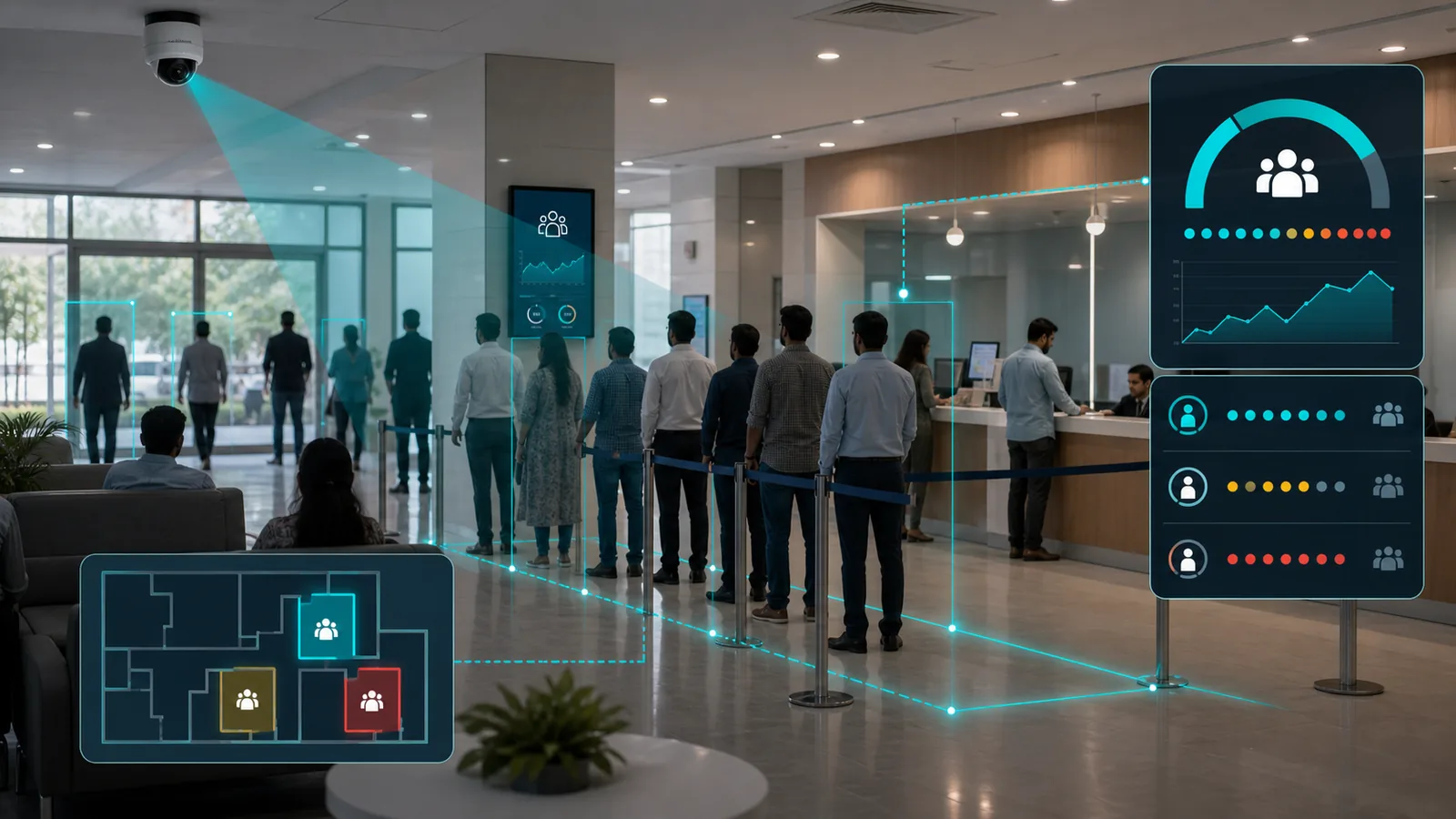
Tracks the number of people present in a defined zone in real time and plots a continuous occupancy graph over time. The live count is maintained by reconciling entries and exits, and operators are alerted when occupancy exceeds — or drops below — defined limits. Typical uses include automating HVAC/AC, lighting, or signage based on live occupancy, and verifying that a zone always has an adequate number of people present. With customisation, the same counting approach can track objects other than people in a position or zone.
Key Features
Discover the powerful capabilities that make Occupancy Count stand out
Real-time occupancy count per monitored space or zone
Live entry and exit reconciliation to maintain current occupancy
Continuous occupancy graph over time — by hour, day, and period
High and low threshold alerts — over capacity or too few people present
Automation triggers — switch HVAC/AC, lighting, or signage based on live occupancy
Adequate-staffing checks — confirm a zone is always manned to a minimum level
Supports multiple zones with independent capacity limits
Customisable to count objects other than people in a position or zone
Compliance reporting for fire safety and regulatory occupancy limits
Integration with access control — hold entry when a zone is full
Edge deployment for accurate, low-latency counting
Technical Specifications
Detailed technical information about Occupancy Count
Prerequisites & Limitations
What Occupancy Count needs to run reliably, and the operating limits to plan for.
Prerequisites
- Camera: 2MP+ IP/RTSP at every entry and exit of the zone so it is fully bounded for an accurate live count
- Adequate illumination — pair with an IR illuminator for low-light areas
- Stable bandwidth between camera and edge/server — roughly 4–8 Mbps per 2MP H.264/H.265 stream
- Overhead/door mounting at each entry-exit to minimise occlusion and miscounts
- Stable power and network at the deployment point
Operating Limits
Indicative figures — actual limits depend on hardware, scene, and configuration.
Deployment Models
Occupancy Count is available in 2 deployment models. Choose the option that fits your infrastructure.
Related Products
Other Pixuate products you may find relevant
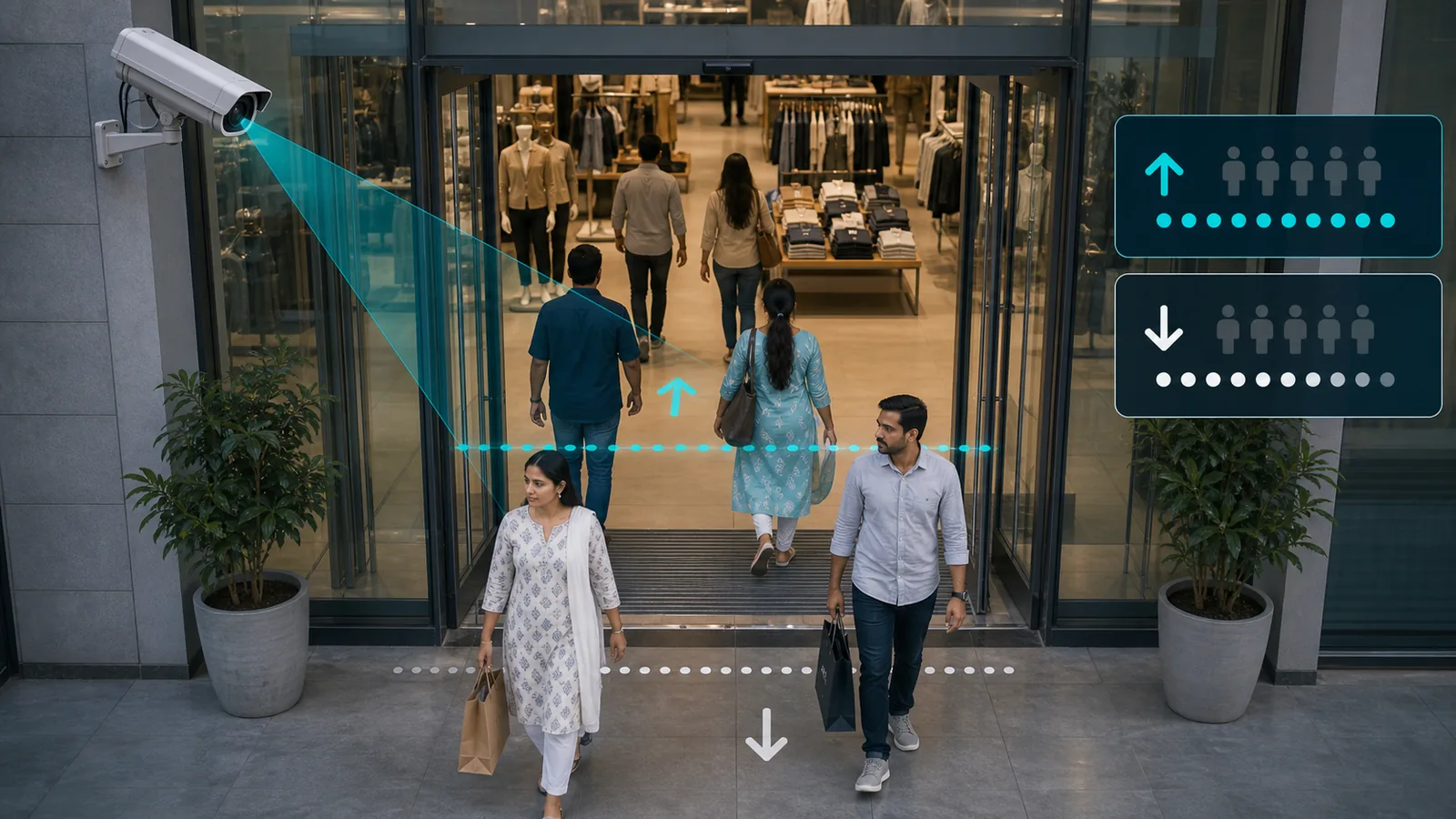
Footfall Count
People counting at entries and exits with multi-zone and multi-site flow tracking, real-time visitor numbers, and trend reporting for retail and venues.
View product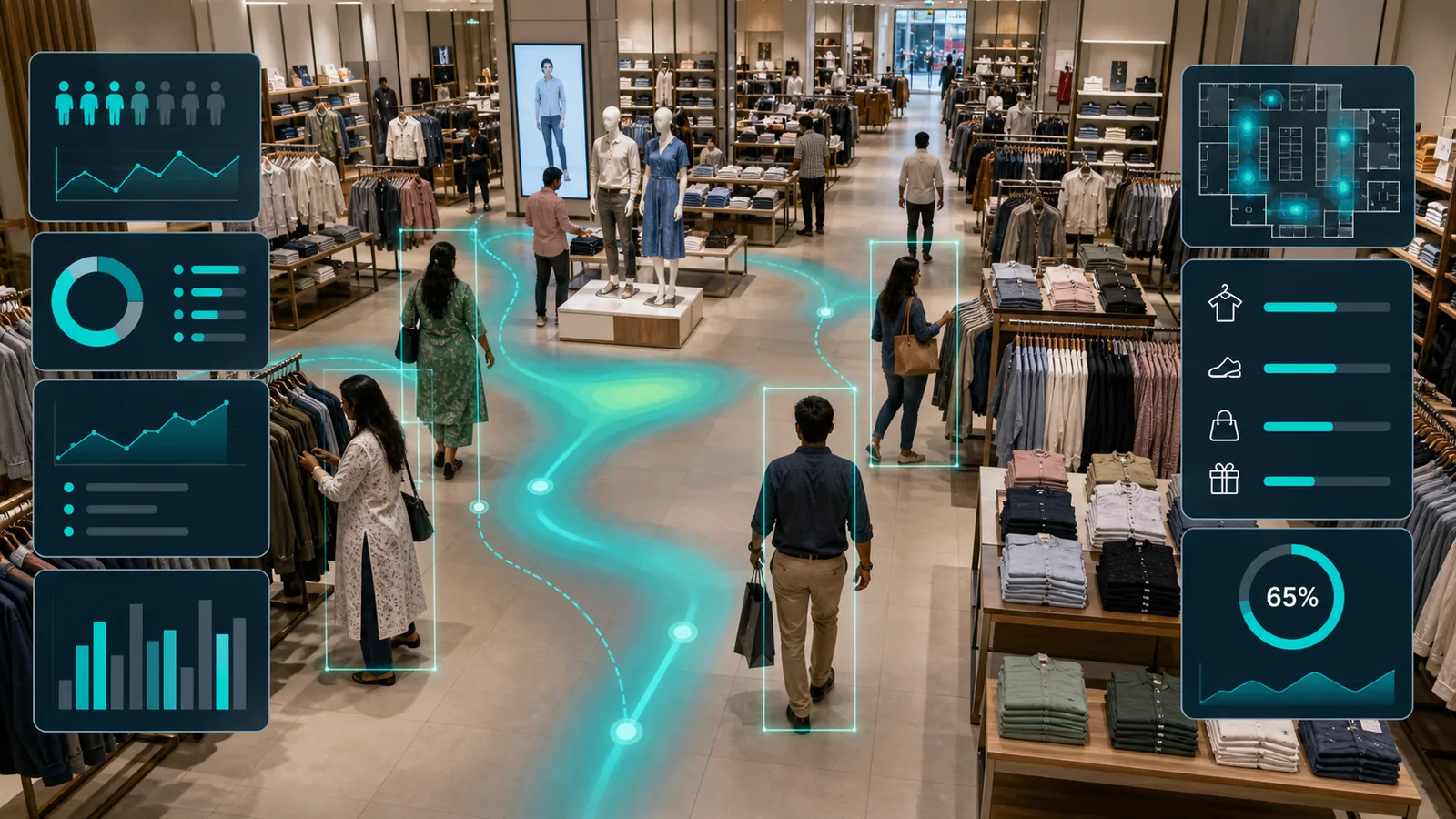
Customer Insights
Retail analytics product for customer movement, engagement, and store-performance intelligence.
View product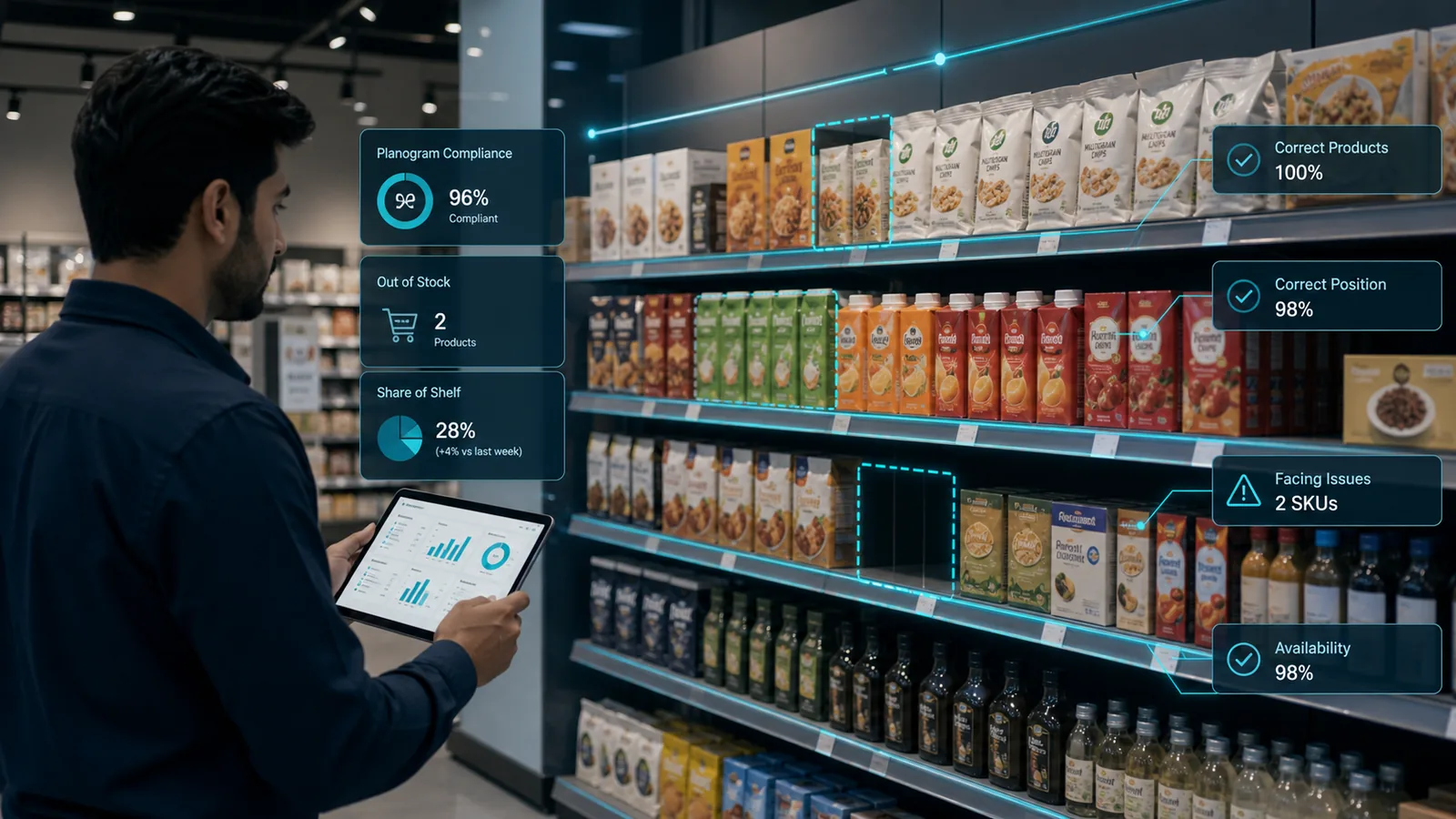
Planogram Analysis
Retail analytics product for shelf visibility, planogram checks, and merchandising compliance.
View productRelated Knowledge Base
Learn about the hardware and infrastructure components used in a Occupancy Count deployment.
Ready to Get Started with Occupancy Count?
Contact our team to learn more about this product and how it can benefit your organization