
Network Switch
The networking device that connects IP cameras and delivers power in every surveillance installation
What is a Network Switch?
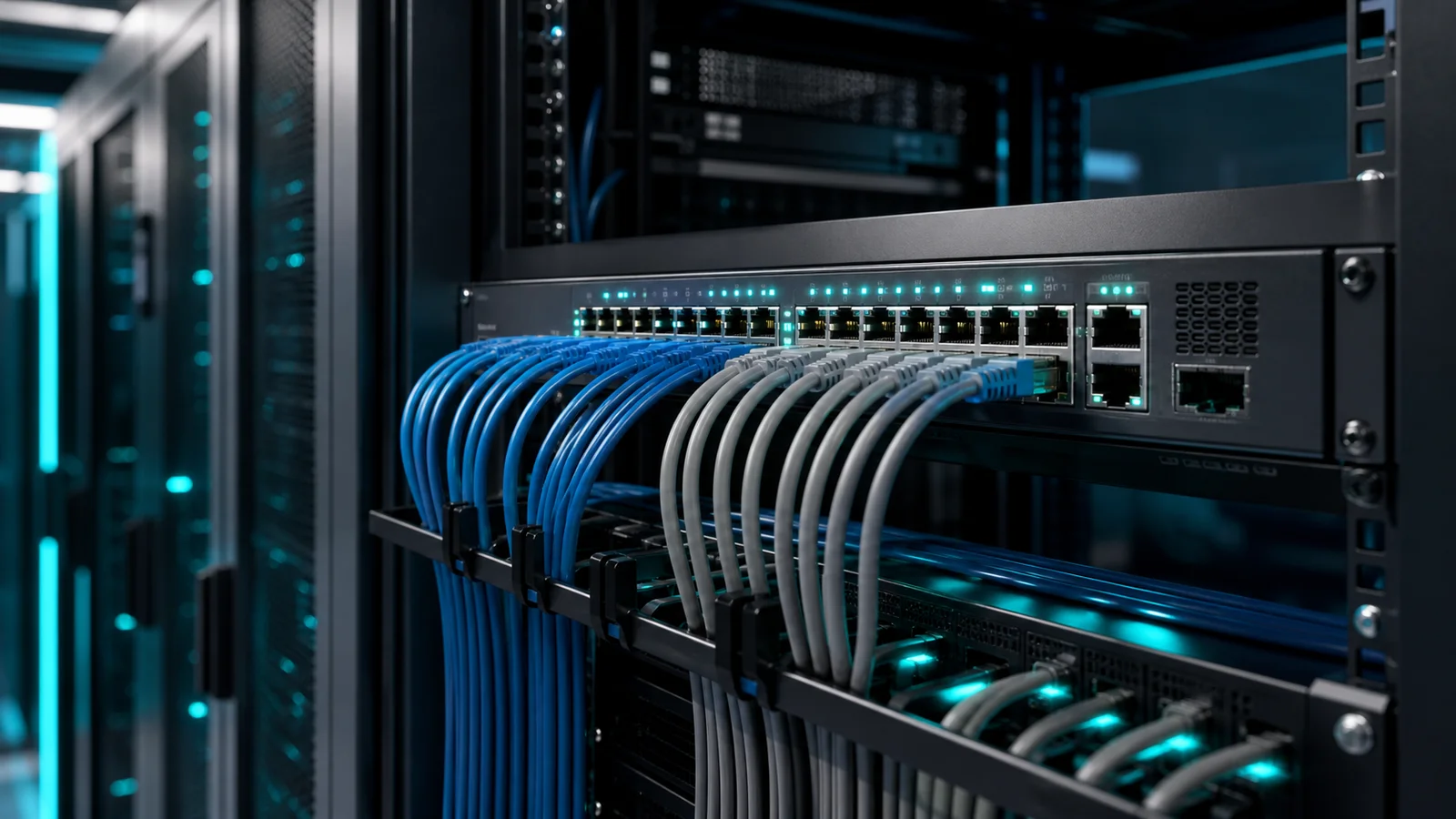
A network switch is a hardware device that connects multiple devices on the same local area network (LAN), allowing them to communicate with each other and with an uplink to a router or server. In an IP camera installation, the switch is the central hub: every camera connects to the switch via an ethernet cable, and the switch connects to the recording server, edge analytics device, or internet router.
Unlike a router (which connects networks together and manages internet access), a switch simply forwards data between devices on the same network based on MAC addresses. It operates at Layer 2 of the OSI model.
PoE Switch — Powering Cameras Over Ethernet
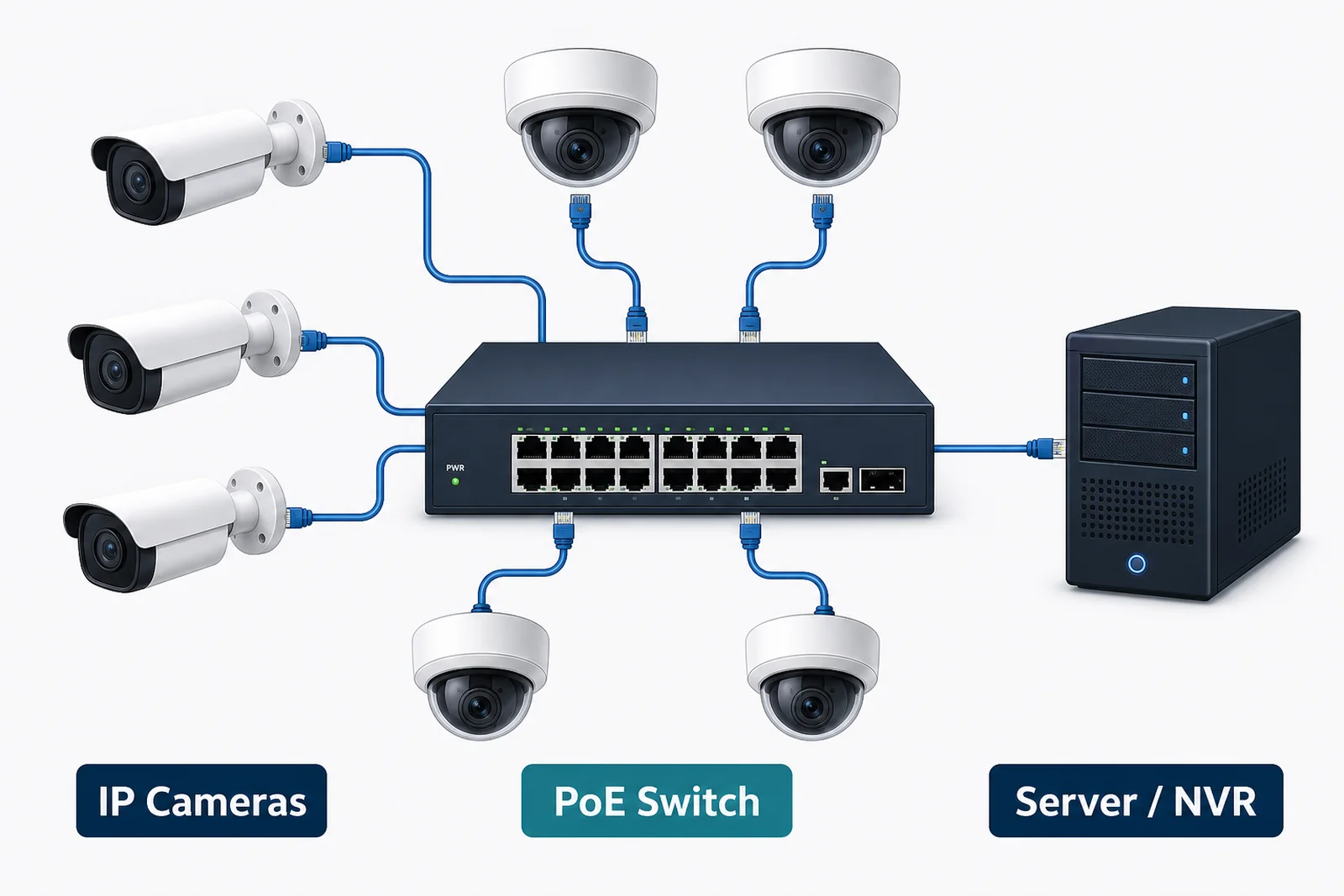
The most important feature for camera installations is PoE (Power over Ethernet). A PoE switch delivers both network data and DC electrical power through the same CAT6 cable connected to the camera. This eliminates the need for a separate power outlet at every camera location — a significant cost saving in large deployments.
- PoE (802.3af): Up to 15.4 W per port. Sufficient for basic IP cameras.
- PoE+ (802.3at): Up to 30 W per port. Required for PTZ cameras, cameras with built-in heaters, or high-powered IR illuminators.
- PoE++ (802.3bt): Up to 60–90 W per port. Used for specialised high-power devices.
When specifying a PoE switch, check the total PoE budget — the maximum total wattage the switch can deliver across all ports simultaneously. A 16-port switch with a 150 W budget can only power a limited number of cameras if each draws 15 W.
Managed vs Unmanaged Switches
- Unmanaged switch: Plug-and-play, no configuration required. Suitable for small installations with a single subnet. Cannot separate traffic, prioritise video streams, or be monitored remotely.
- Managed switch: Configurable via web interface or CLI. Supports VLANs (to isolate camera traffic from office traffic), QoS (to prioritise video packets), port mirroring (for diagnostics), and remote monitoring. Recommended for installations with more than 8 cameras or where network security is a concern.
Key Specifications for Camera Deployments
- Port count: Plan for cameras + uplink port(s). A 16-port switch typically provides 15 camera ports plus 1 uplink.
- Uplink speed: Ensure the uplink port (to your server or router) is Gigabit or higher to carry the combined bandwidth of all cameras.
- PoE budget: Total wattage available. Add up all camera power draw values plus 20% headroom.
- Switching capacity: Total data throughput. Should exceed the sum of all connected devices' bandwidth.
- IP rating / enclosure: For outdoor switch installations (e.g. in junction boxes on poles), use IP65-rated or purpose-built outdoor switches.
Role in a Pixuate Deployment
In every Pixuate installation, one or more PoE switches sit between the IP cameras and the analytics server or cloud uplink. The switch carries video data from cameras to the server and delivers power to each camera. For edge deployments, the switch connects to a local GPU server. For cloud deployments, it connects through a router to the 4G/5G modem or fibre uplink.
Switch selection affects video reliability: a switch that drops packets or throttles bandwidth under load will cause dropped frames and reduced AI analytics accuracy. Always size the switch with sufficient PoE budget and throughput headroom for the number of cameras deployed.
Planning a Camera Network?
Pixuate's team can help you size the right switch for your camera count, power budget, and network architecture.