
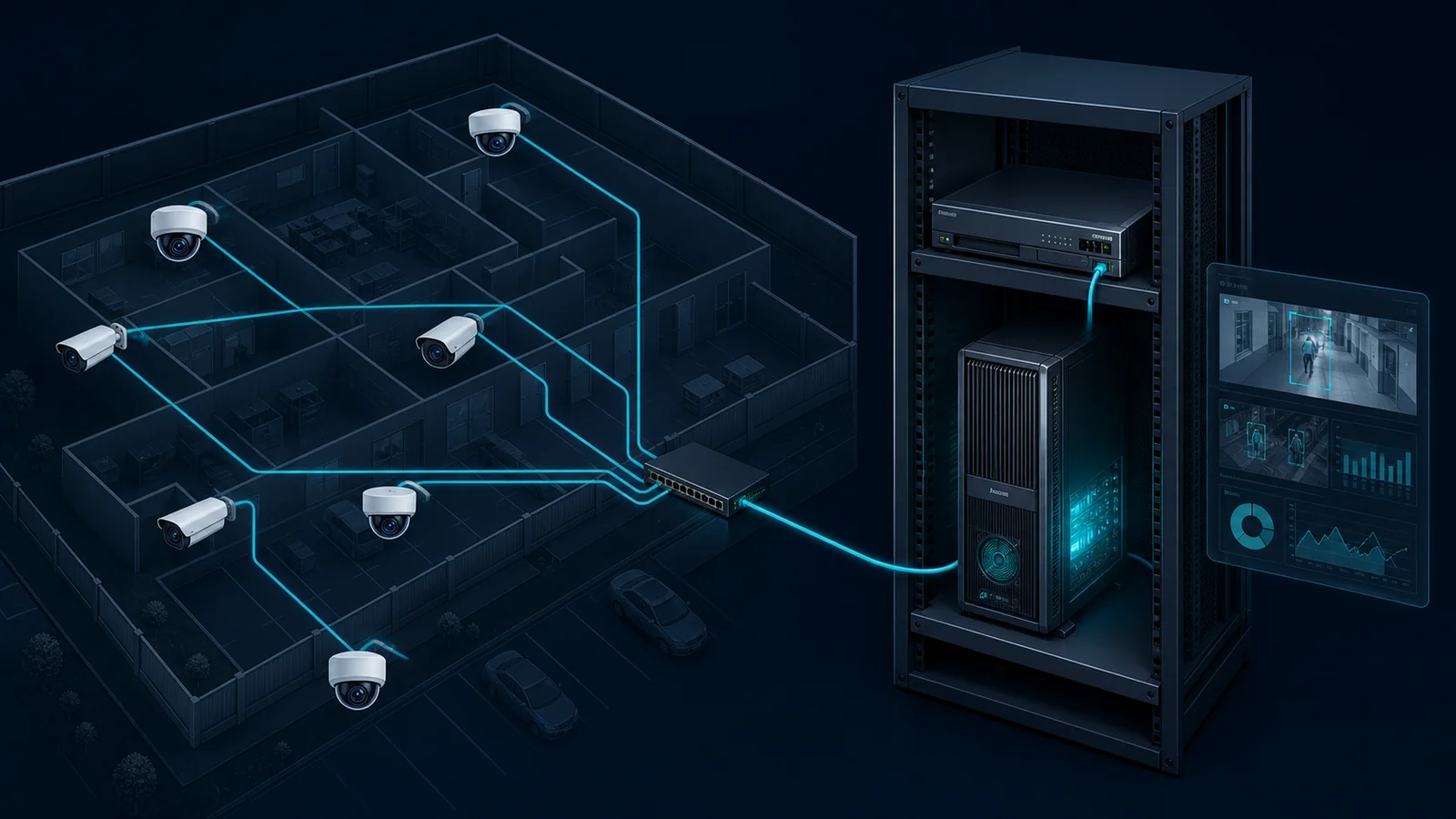
On-Premises Server Deployment
Understanding server-based AI analytics deployed within your own facility
What is On-Premises Server Deployment?
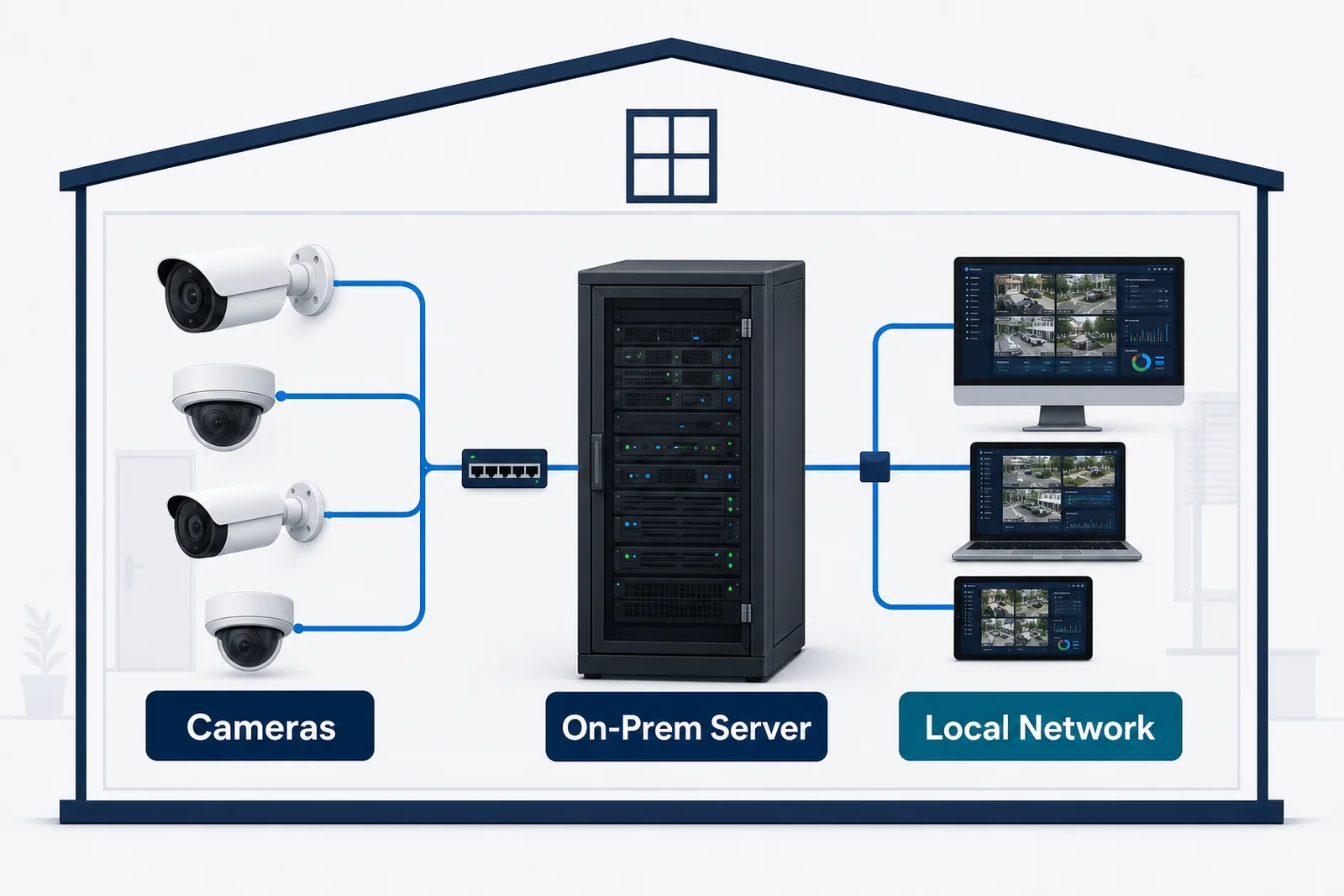
On-premises (on-prem) server deployment means running analytics software on a server that your organisation owns and operates, located in your own facility — typically a data centre, server room, or equipment rack on-site.
Unlike edge devices, which are compact embedded computers attached directly near the cameras, an on-prem server is a full-scale workstation or rack server with higher compute capacity. It handles a greater number of camera streams simultaneously and can run more complex AI models. The server connects to cameras over the site internal network.
The organisation is responsible for procuring, maintaining, and operating the server hardware. The software vendor — Pixuate — licenses and installs the analytics software on top.
What On-Premises Server Deployment Means for Your Pixuate Solution
When a Pixuate product is deployed on an on-premises server, cameras connect to the server over the local area network (LAN). All AI inference runs on the server GPU. Results are available on your internal dashboard and integrations immediately — without any data leaving your facility.
What this looks like in practice
- High camera count capacity. A GPU server handles significantly more camera streams than an edge device — typically 20 to 100+ channels depending on model complexity and GPU specification.
- Full data sovereignty. All video and analytics data remains within your network and under your control.
- Internal network only. No internet connection is required for the analytics pipeline, though external access for dashboards or remote management can be configured.
- Requires IT infrastructure. Your team (or an integrator) provisions and manages the server, operating system, GPU drivers, and network configuration.
Best suited for
- Large facilities with 20+ cameras requiring centralised on-site processing
- Enterprises and government sites with strict data residency or compliance requirements
- Organisations with existing IT infrastructure and in-house server management capability
- Deployments requiring high throughput without dependence on internet connectivity
Hardware requirements
Pixuate analytics software requires a GPU-equipped server. Minimum specifications and recommended configurations are provided after a camera-count and model-complexity assessment. NVIDIA GPU platforms (Tesla, RTX, A-series) are supported. Contact Pixuate for a hardware sizing guide.
Plan Your On-Premises Deployment
Pixuate will assess your camera count and analytics requirements and recommend the right server configuration.