
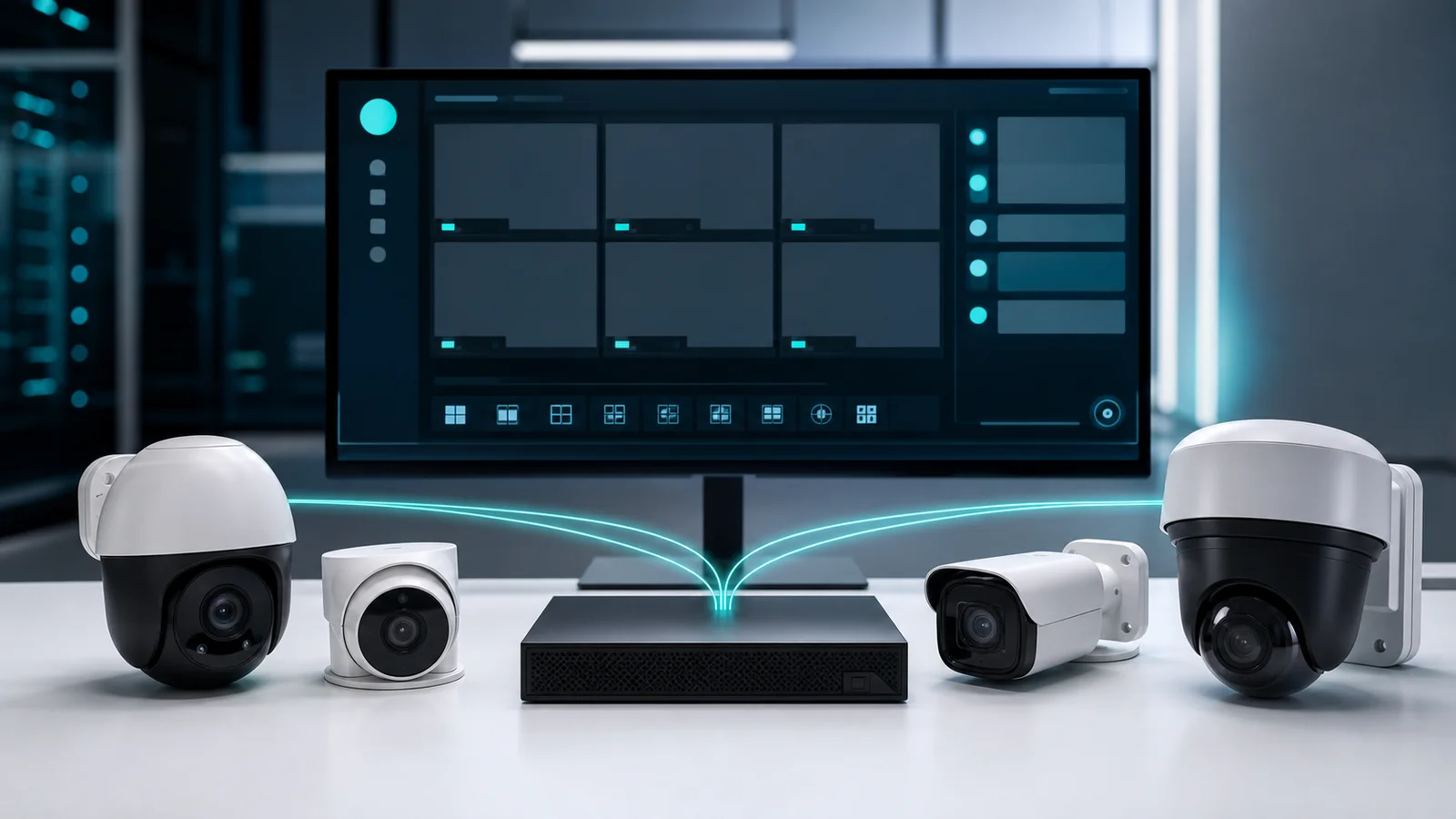
ONVIF
The open standard that makes IP cameras compatible with AI analytics software from any vendor
What is ONVIF?
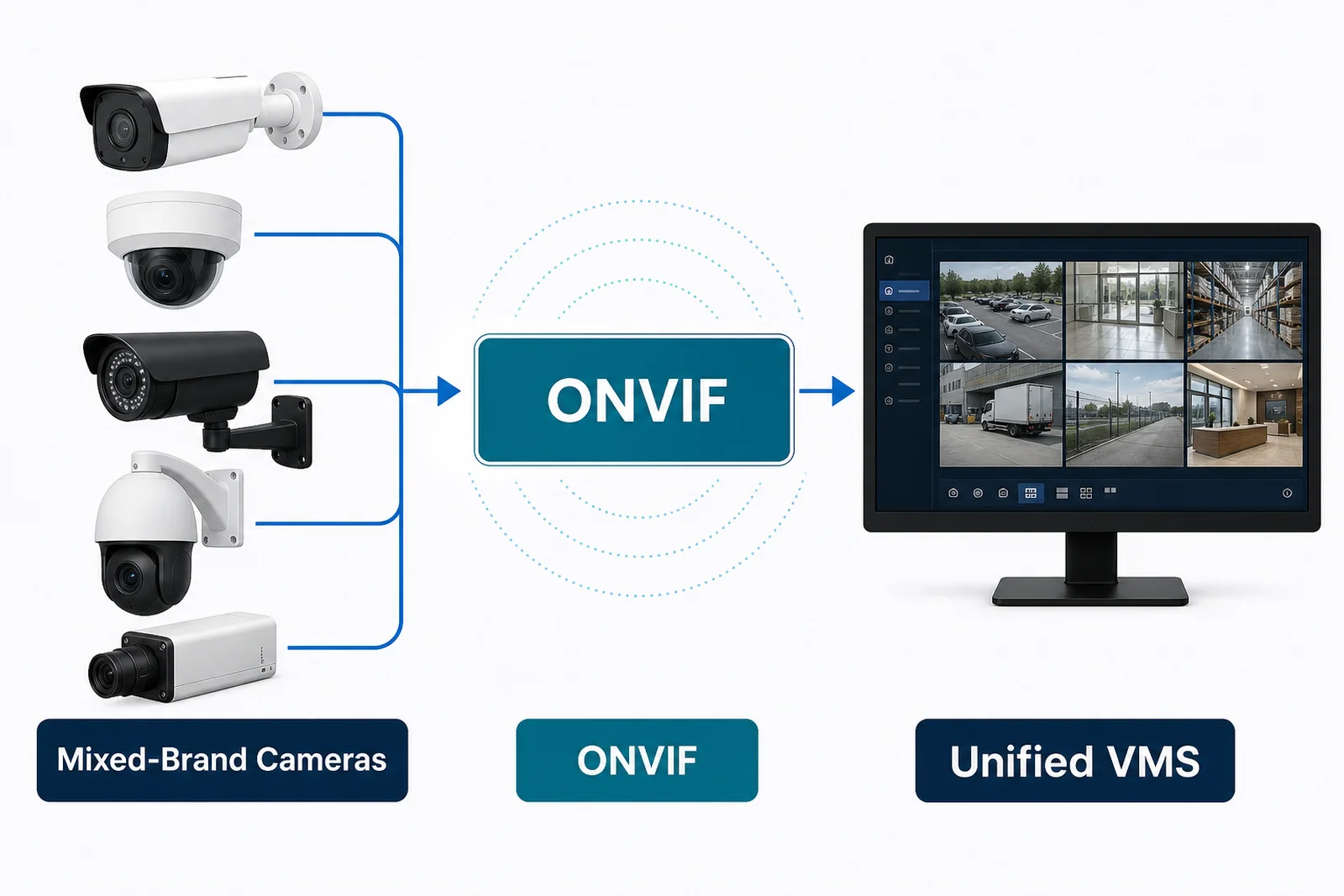
ONVIF (Open Network Video Interface Forum) is an international industry standard that defines a common communication protocol between IP cameras, video encoders, NVRs, VMS platforms, and analytics software. It was founded in 2008 by Axis, Bosch, and Sony, and now has over 500 member companies — including virtually every major IP camera manufacturer.
Before ONVIF, connecting a camera from one brand to a recording or analytics system from another brand often required proprietary drivers or custom integration work. ONVIF defines a standard set of services — discovery, configuration, streaming, events — so that any ONVIF-compliant camera can be integrated with any ONVIF-compliant system without custom development.
All Pixuate products require ONVIF-compliant cameras. When a camera is listed as "ONVIF Profile S" or "Profile T" compliant, it is guaranteed to work with Pixuate's ingestion layer without additional configuration.
ONVIF Profiles Explained
ONVIF organises its features into Profiles — named sets of capabilities that a device must implement to claim compliance with that profile. A camera may support multiple profiles simultaneously.
Profile S — Core Streaming (Most Common)
Profile S is the baseline profile for IP cameras and is the most widely supported. A Profile S camera provides:
- Video streaming via RTSP (H.264 or MJPEG)
- Remote configuration of video settings (resolution, frame rate, codec, bitrate)
- PTZ control (pan, tilt, zoom) for cameras with those capabilities
- Motion detection events
- Device discovery on the local network
Profile S is the minimum requirement for Pixuate integrations. If a camera only states "ONVIF compatible" without specifying a profile, it typically means Profile S.
Profile T — Advanced Streaming (Recommended)
Profile T is the modern successor to Profile S, adding capabilities that matter for AI analytics deployments:
- H.265 (HEVC) video streaming — halves bandwidth at the same quality
- HTTPS and TLS-encrypted streams — secure video transport
- Metadata streaming — camera-side motion detection data sent alongside video
- Improved event handling
Profile T cameras are recommended for new Pixuate installations, particularly where H.265 efficiency or encrypted transport is required.
Profile G — Edge Storage
Profile G adds support for recording and retrieving video stored on the camera itself (SD card or built-in storage):
- Start and stop recording on the camera
- Search and retrieve recorded clips from the camera over the network
- Scheduling and event-based recording rules
Profile G is relevant for edge deployments where cameras record locally and a server retrieves footage on demand — useful in low-bandwidth scenarios.
Profile M — Analytics Metadata
Profile M is specifically designed for AI analytics use cases. It standardises how cameras and analytics systems exchange metadata:
- Object detection events (people, vehicles, animals) with bounding boxes and classification
- Standardised metadata schema for analytics output
- License plate data (for cameras with built-in ANPR)
- Face detection metadata
Profile M is relevant when a camera has built-in AI processing (on-camera analytics) and Pixuate or a VMS needs to consume that metadata alongside or instead of raw video.
Verifying ONVIF Compliance
Not all cameras that claim ONVIF compliance implement it correctly. To verify:
- Check the official ONVIF conformant products database — only cameras that have passed ONVIF's test tool are listed here.
- Use the free ONVIF Device Manager tool to discover cameras on your network and confirm which profiles they support.
- Contact the camera manufacturer and ask for the ONVIF conformance certificate for the specific firmware version.
Pixuate maintains a tested camera compatibility list. If you are unsure whether a specific camera model will work, contact Pixuate before purchasing.
Need to Verify Camera Compatibility?
Pixuate's team can confirm whether your existing or planned cameras are compatible with specific Pixuate products.