
Vehicle Whitelisting & Blacklisting
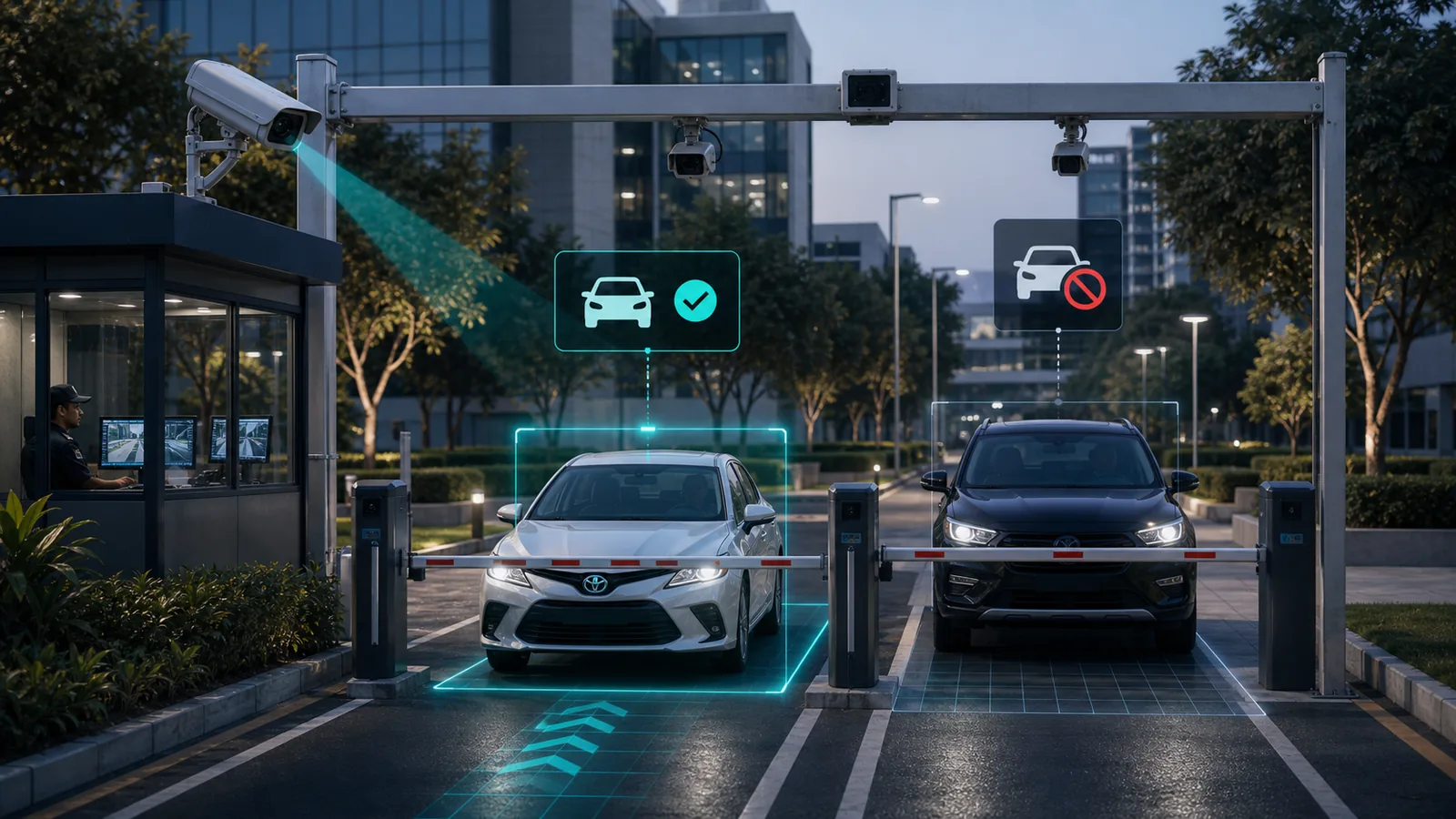
Access control product that manages two parallel vehicle lists — a whitelist of authorised vehicles that pass automatically, and a blacklist of flagged vehicles that trigger an alert or denial. Integrates with ANPR to match every plate read against both lists in real time.
Key Features
Discover the powerful capabilities that make Vehicle Whitelisting & Blacklisting stand out
Whitelist — authorised vehicles pass automatically without manual check
Blacklist — flagged vehicles trigger instant alert and optional barrier hold
Real-time plate matching against both lists on every ANPR read
Managed lists — add, edit, remove, and bulk import via dashboard
Category tags for entries (staff, contractor, visitor, banned, etc.)
Time-based access rules — whitelisted plates valid only during set hours
Audit log of all match events and operator decisions
Multi-camera and multi-site list synchronisation
Technical Specifications
Detailed technical information about Vehicle Whitelisting & Blacklisting
Prerequisites & Limitations
What Vehicle Whitelisting & Blacklisting needs to run reliably, and the operating limits to plan for.
Prerequisites
- Requires an ANPR feed — works with any Pixuate ANPR module at the gate, lane, or entry
- Camera and capture prerequisites follow the paired ANPR product (standard IP at barriers; global-shutter for high-speed lanes)
- Stable bandwidth between camera and edge/server — roughly 4–8 Mbps per 2MP H.264/H.265 stream
- Managed list configured via dashboard; optional integration with the barrier or access-control system
- Stable power and network at the deployment point
Operating Limits
Indicative figures — actual limits depend on hardware, scene, and configuration.
Deployment Models
Vehicle Whitelisting & Blacklisting is available in 2 deployment models. Choose the option that fits your infrastructure.
Related Products
Other Pixuate products you may find relevant
ANPR - Standard STOP N GO
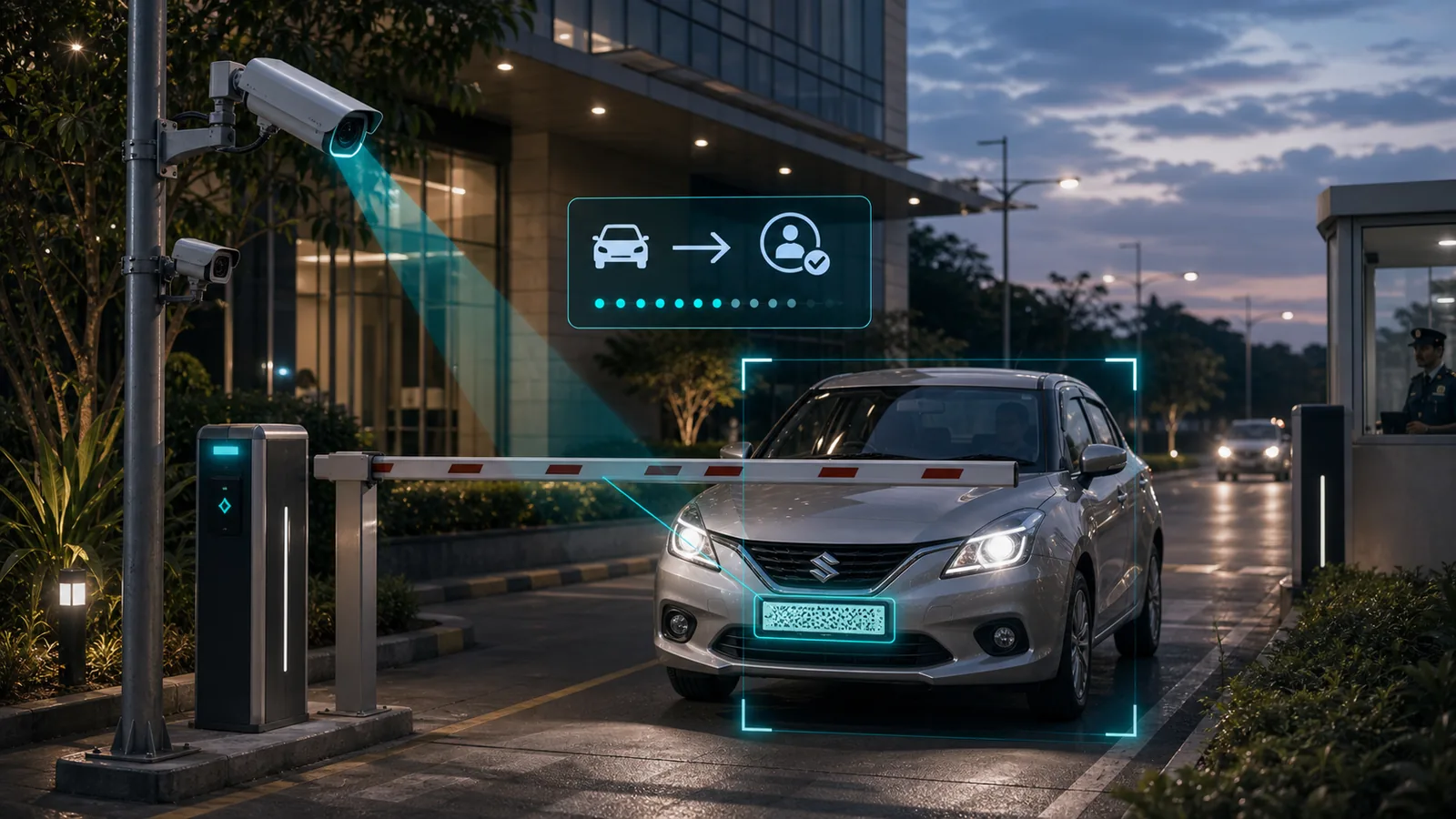
Standard ANPR product for controlled entry, exit, barrier, and stop-and-go vehicle identification workflows.
View product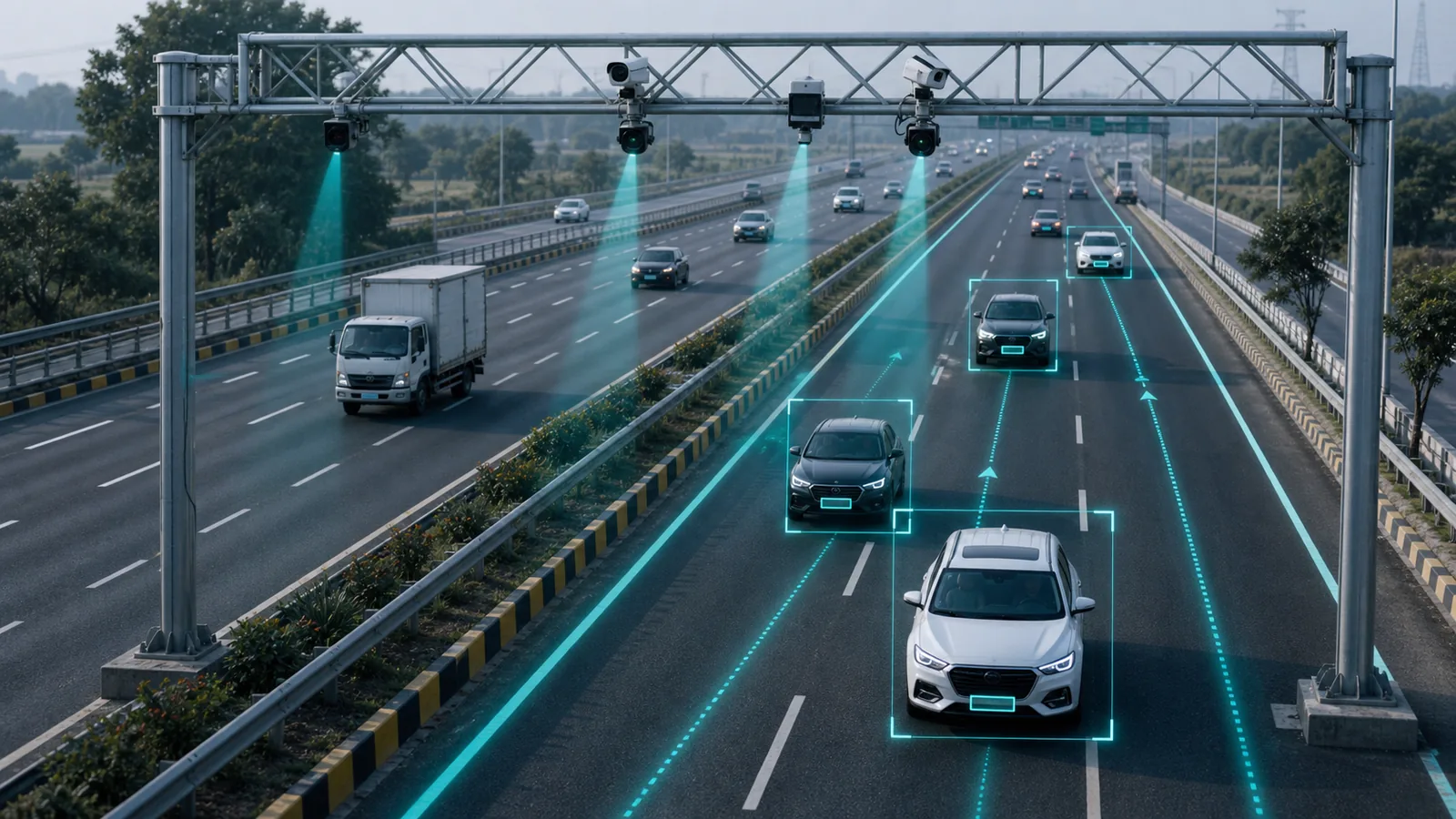
ANPR - Standard FreeFlow
Free-flow ANPR product for moving traffic, roads, highways, toll areas, and high-throughput vehicle monitoring.
View productANPR - High-Speed FreeFlow
High-speed free-flow ANPR for open roads and highways. Global shutter camera with radar trigger for accurate plate capture above 80 km/h.
View productRelated Knowledge Base
Learn about the hardware and infrastructure components used in a Vehicle Whitelisting & Blacklisting deployment.
Ready to Get Started with Vehicle Whitelisting & Blacklisting?
Contact our team to learn more about this product and how it can benefit your organization